How it works

Four steps.

01

Load an image

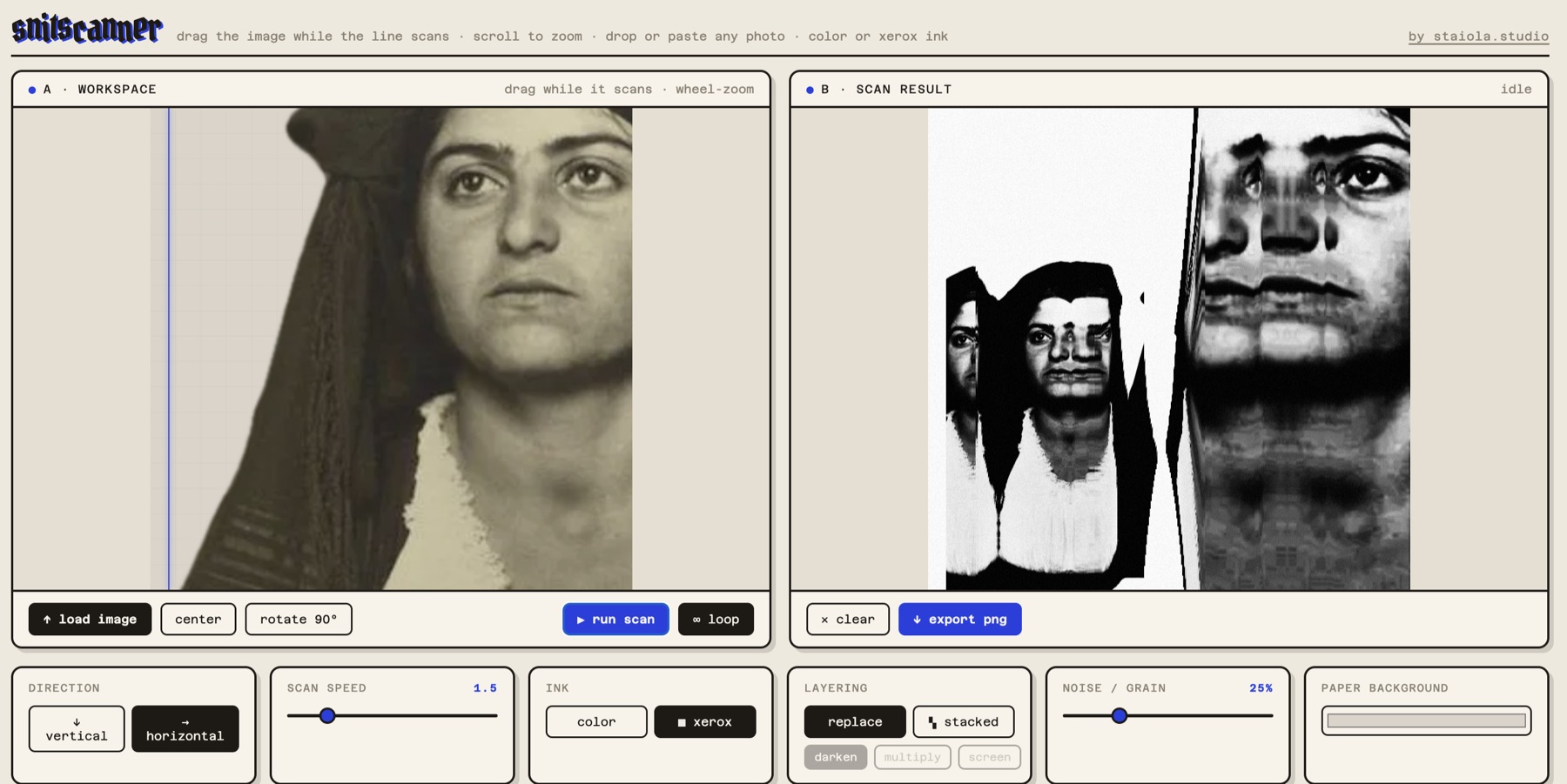
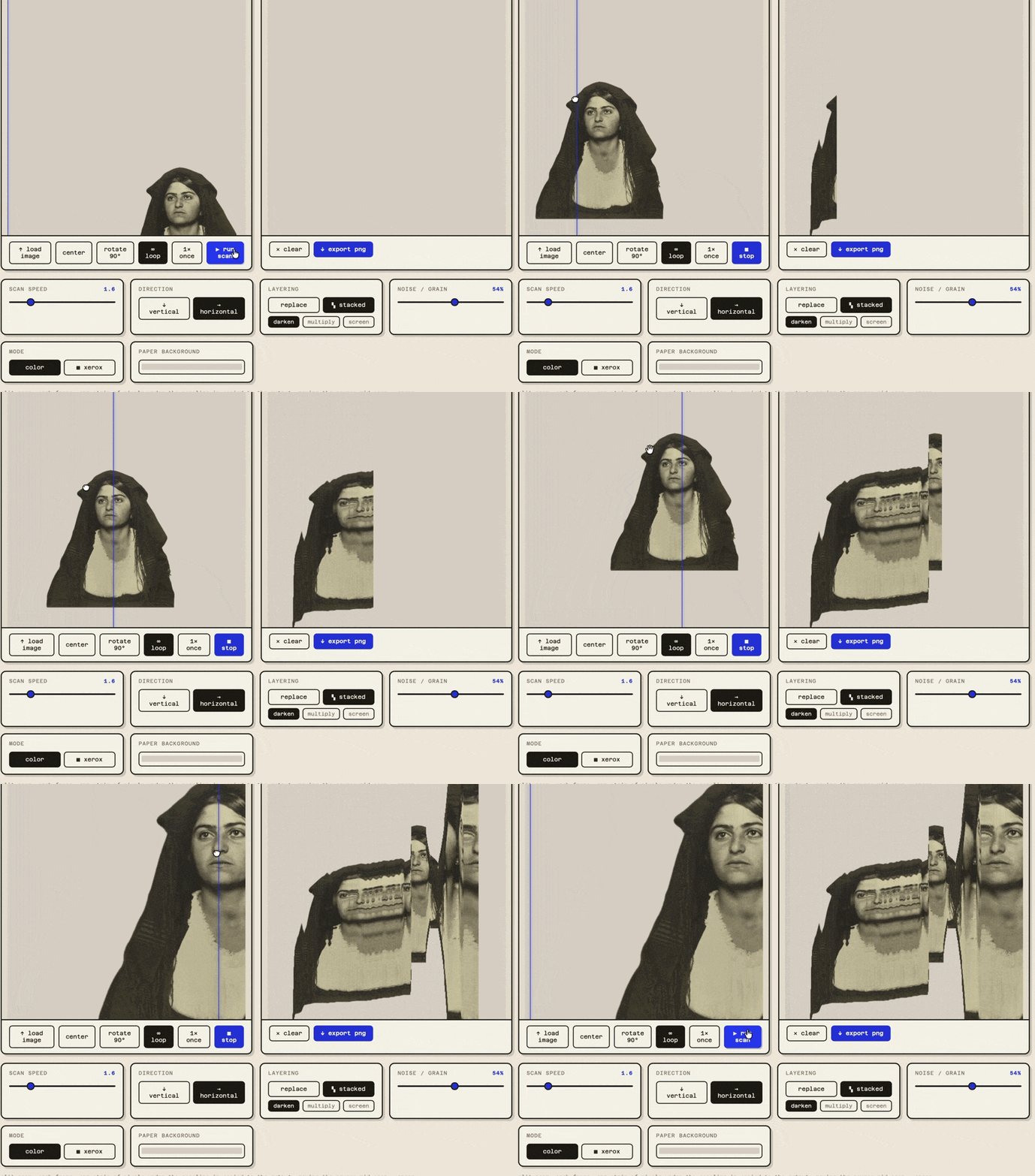
Pick a file, drop it on the page, or paste from the clipboard. It lands on the scan bed.

02

Run the scan

The scanline starts sweeping. Loop mode repeats forever, single mode does one pass and stops.

03

Move it while it scans

Drag, wheel-zoom, pinch, rotate. The output records whatever you do to the source.

04

Export a PNG

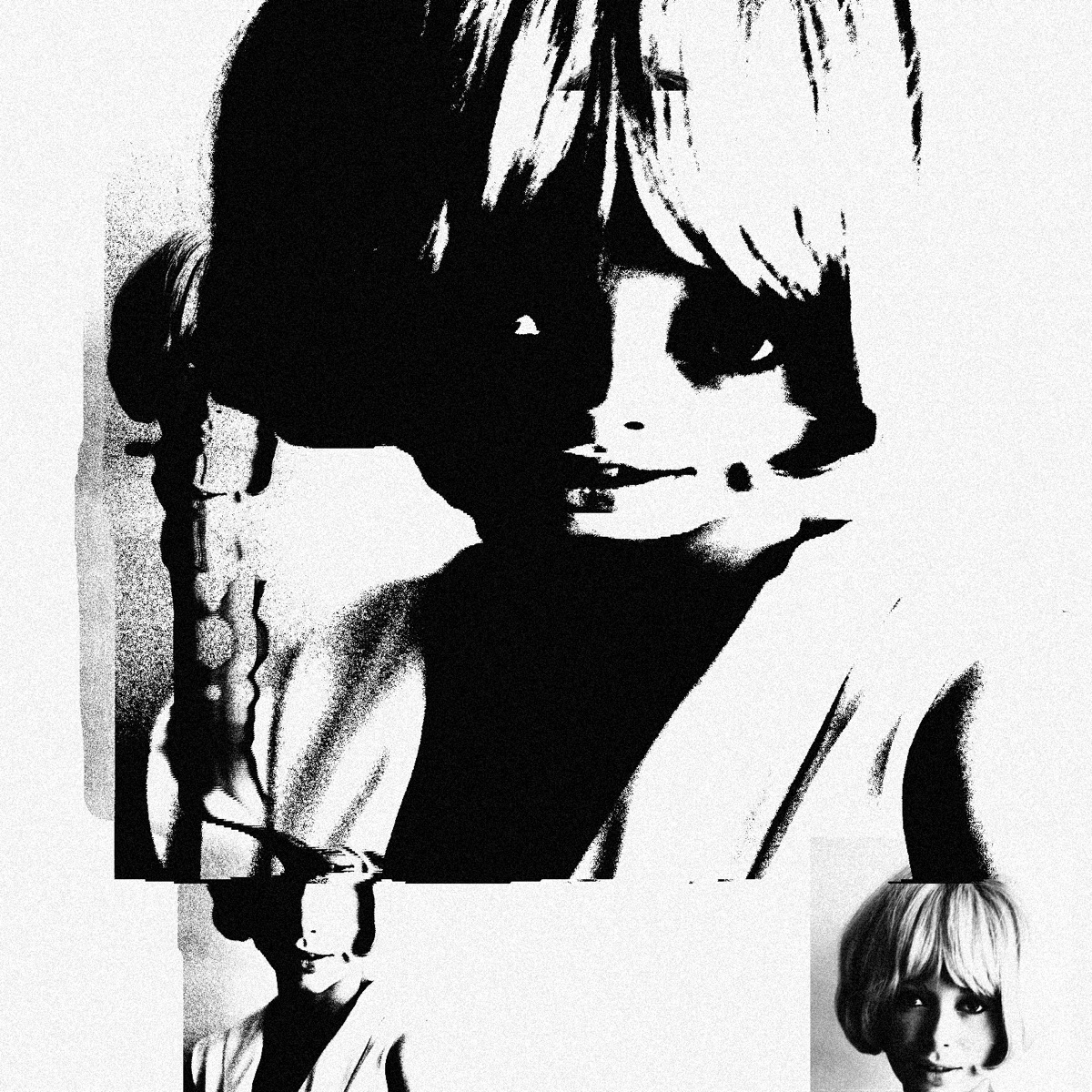
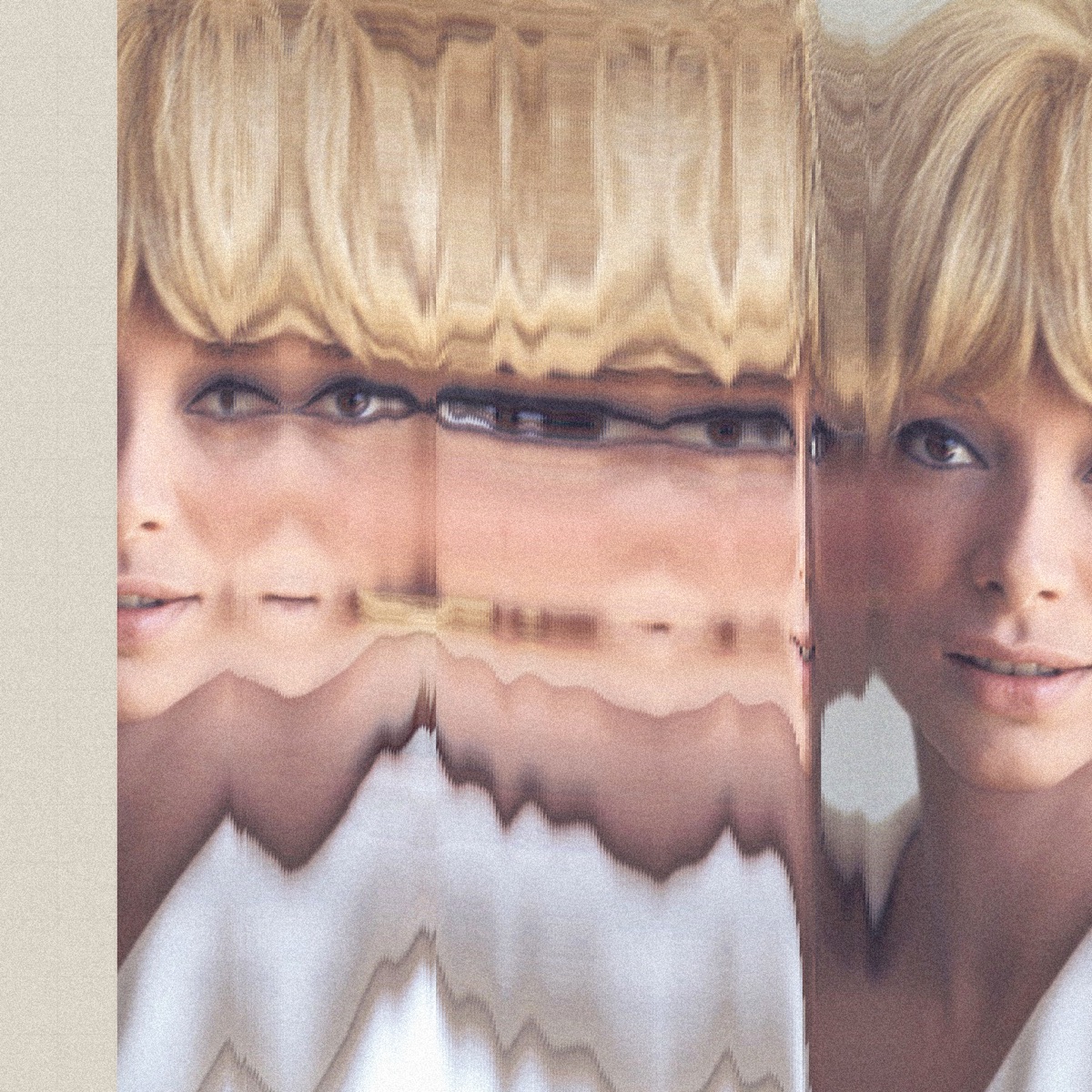
The result renders at 1520 px and downloads straight to your disk. Clear and go again.

Controls

The controls.

Output

Examples.

Privacy

Your images stay on your machine.

There is no backend

When you add an image, the file stays local. There is no upload, no server call and no form post. The processing, the strip copying, the xerox curve and the grain all happen on canvas elements inside the page. The PNG export is generated in the browser and downloaded straight to your disk.

snitscanner is one static HTML file. I have no backend set up for it, so there is nothing on my side that could store or view what you scan.

Do I need an account?

No. There is no sign up, no login, no email. Open the page and use it.

Does it cost anything?

No. It is free and there is no paid tier.

Does it work offline?

Once the page has loaded, the scanning and exporting work without a connection. The two web fonts are the only thing fetched from outside.

Which browsers?

Safari, Chrome and Firefox on desktop. It is developed and tested primarily in Safari on macOS. Touch works, so it runs on a tablet or phone, with one finger to drag and two to pinch zoom.

Can I use the output commercially?

Yes. Whatever you scan stays yours. I make no claim on the output.

Under the hood

One file, two canvases.

The effect is one line repeated: copy a thin strip of pixels from the workspace canvas to the same position on the output canvas, every frame, while the user moves the source underneath. The output is never cleared during a scan, so the strips accumulate into the final image. The xerox curve, the grain and the blend modes are applied to each strip after it lands.

Internal resolution is 1520 px square regardless of how big the panes look on screen, so exports stay sharp. No framework, no build step and no dependencies beyond two Google Fonts.

Built with

HTML canvas Vanilla JS Pointer events Single static file Netlify Claude Code